How To Blur Faces On Dating App Screenshots | Easy Steps & Tools For Privacy
Blurring faces in dating app screenshots keeps your info safe. People don’t want strangers recognizing them online, especially when showing profiles to friends or sharing group photos.
It stops creeps from tracking you down. Here are simple ways to hide faces using basic phone apps or free websites, so you can share pics without worry.
Reasons For Hiding Faces In Dating App Photos
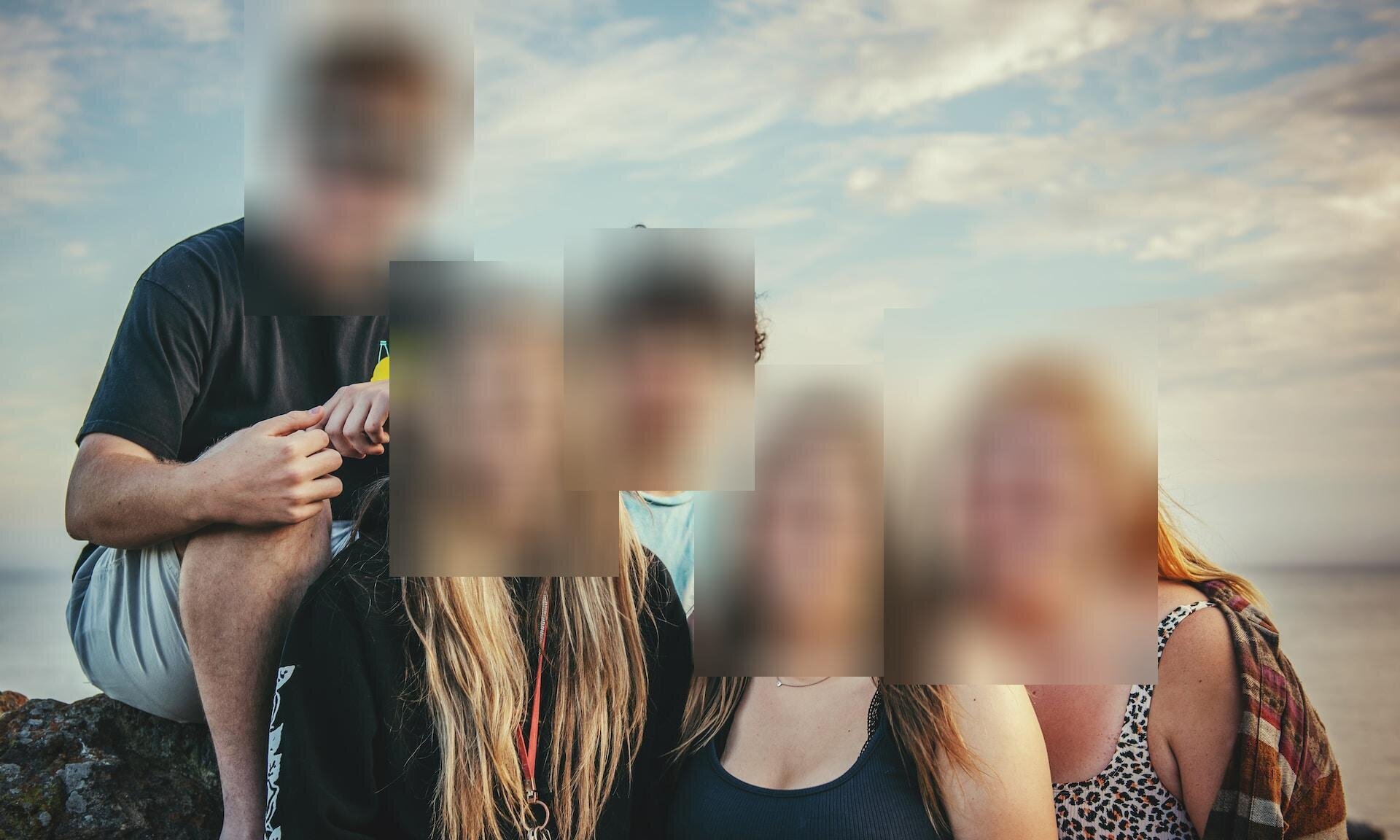
When you show friends your dating profile for advice, group pictures need extra thought. One guy shared his profile, but a friend questioned why he'd covered other people's faces. He knew it was right to protect others' privacy online.
Group shots prove you have a social life, but covering faces stops strangers from seeing your friends without permission. If you can't check with everyone, skip those pictures entirely. Hiding identities is the respectful choice when privacy matters.
Using group photos where friends' faces are clear can backfire. Friends might get unwanted messages asking if they're single, causing real awkwardness. After that happens, many stop using group photos completely.
Why Blurring Faces Keeps You Safe
Blurring faces in dating app screenshots stops strangers from tracking you online. Facial recognition makes it too easy to find someone. This simple step protects you and others from identity theft or misuse, especially if someone shares your picture.
Avoid Legal And Social Risks
Blurring prevents problems with copyrighted art or signs in the background. When sharing screenshots with friends, it’s much safer without clear faces showing. Privacy matters a lot when dating online.
Build Trust While Sharing
Dating apps that let users blur faces make it easy to share fun moments without risking others' privacy. It shows you respect your matches. Friends feel comfortable giving honest feedback when they know their faces are protected.
Easy Ways To Blur Faces In Your Screenshots
Your phone can do this easily. iPhones have a built-in markup tool , just open the screenshot and use the pen or blur option. Android users can edit pictures right in Google Photos.
Free websites like Watermarkly or LunaPic let you blur faces online. They often find faces automatically and work fast for multiple pictures. LunaPic even blurs faces as soon as you upload a photo. Apps like ObscuraCam or Pixlr are good mobile options too.
Pick a method that fits what you need. If you blur often, a paid tool might be worth it. Always check for things like the Watermarkly site's privacy policyif you want to use the site, to make sure they don't keep your original, unblurred pictures.
Blurring Faces On IPhone
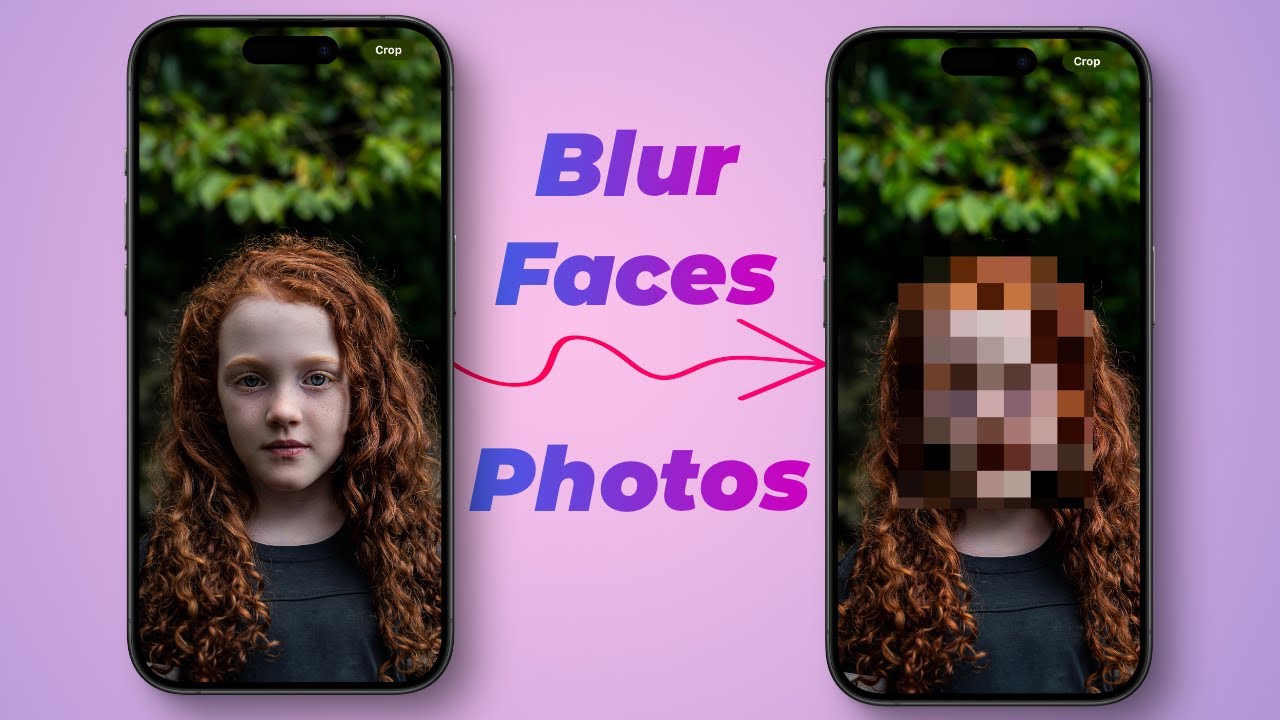
How to Blur Faces in Photos in on iPhone for FREE: No Apps Required!!
- Open the screenshot and tap Edit in the top right. Choose the pencil icon (Markup tool). Tap the + at the bottom left, then pick Shape. Place the shape over the face you want blurred.
- Resize it by dragging the corners. Change the color and how strong the blur looks using the options at the bottom. When it’s right, tap Done.
- This keeps the rest of the image clear while hiding just the face. Your original stays untouched. Need to blur more faces in a group photo, just repeat the steps for each one. Adjust the blur strength to look natural, it’s all built into your iPhone.
Blurring Faces On Android
New on Android: Portrait Blur for Google Photos
- Open the app and select your screenshot. Tap Edit at the bottom, then swipe to Tools and choose Blur.
- The whole photo gets blurry at first. Drag the white circle to show what should stay sharp, like the dating profile text. Use the sliders to make the blur lighter or heavier until it looks good.
- Tap Save when done. Now your screenshot’s private. This works fast if you already have Google Photos installed, so you skip downloading extra apps. Perfect for quick privacy fixes before sharing.
See Also: How To Make Your Travel Videos Go Viral
How To Blur Faces Online With Watermarkly
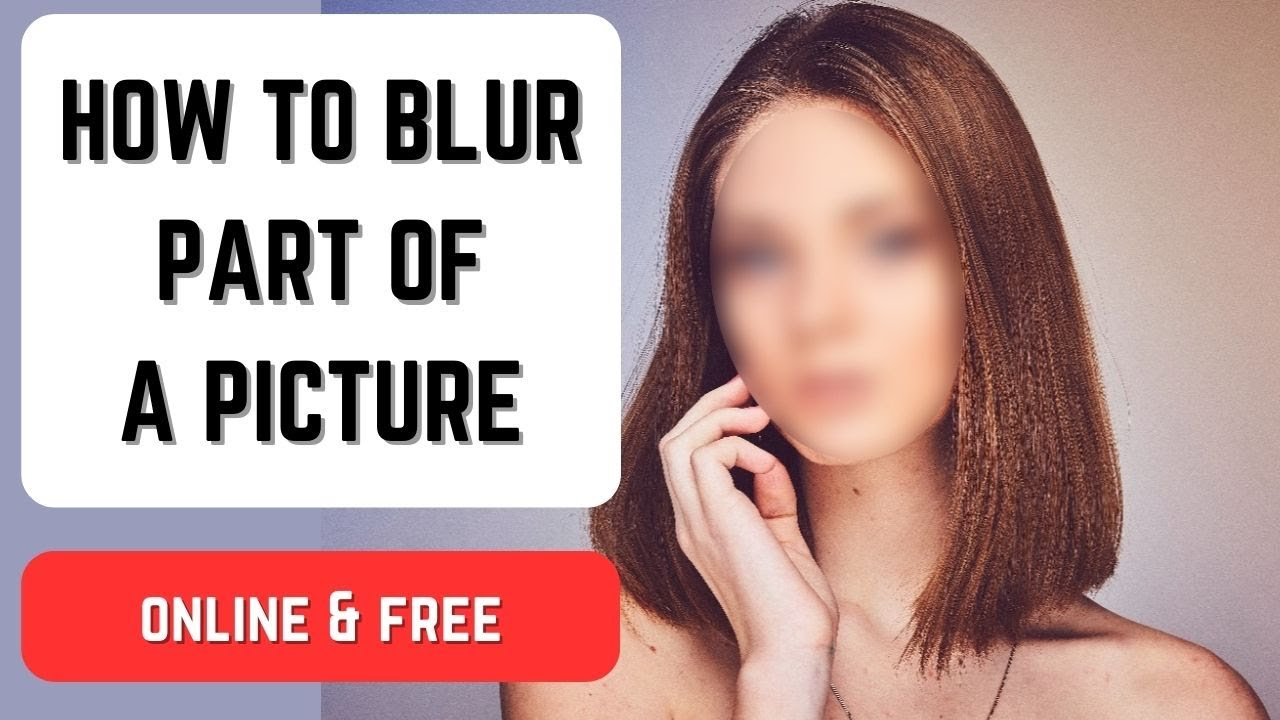
How to Blur Part of a Picture | Blur Face | Blur License Plates
- Upload your dating app screenshots to Watermarkly. Just drag them in or pick them from your phone or computer. The tool finds all faces instantly and blurs them for you.
- If you need changes, tweak the blur strength or choose which faces to blur. Add more blur spots by hand if any faces were missed. Change the blur shape to oval or rectangle to fit better.
- Turn the blur area if the face is tilted. Make it bigger or smaller to cover just the eyes or the whole face. The edges might look sharp while editing, but they smooth out in the final download.
- Pick your file size and type when saving. The free version puts Watermarkly's logo on your image, but paying removes it. Blurring many screenshots at once saves you time.
- Its smart face detection works fast, even for group photos. You control how strong the blur is to keep things private without making the picture messy and also how anonymous chat dating roomsworks. It works for blurring other things too, not just faces.
How To Blur Faces Using Luminar Neo
Luminar NEO: How To Use Blur Tool
- Open Luminar Neo and add your dating app screenshot. Click the button or drag the file in. Go to the Edit section and choose Portrait Bokeh.
- Slide the control to make the background blurry, which hides faces there.
- To blur specific faces, use the Mask tool. Click Mask, then AI Mask, and pick "Face." Now apply Gaussian Blur and move the slider to set how strong the blur is.
- Made a mistake, use the eraser brush to remove blur where you don't want it. Clean up the edges of your blur for a neat finish.
- Save your edited picture in the format you need.
- Luminar Neo has extra tools like SuperSharp AI to improve your whole image. Its advanced features give you more control for tricky privacy jobs. Try it free first with their trial version.
Blurring Faces With Photoshop Techniques
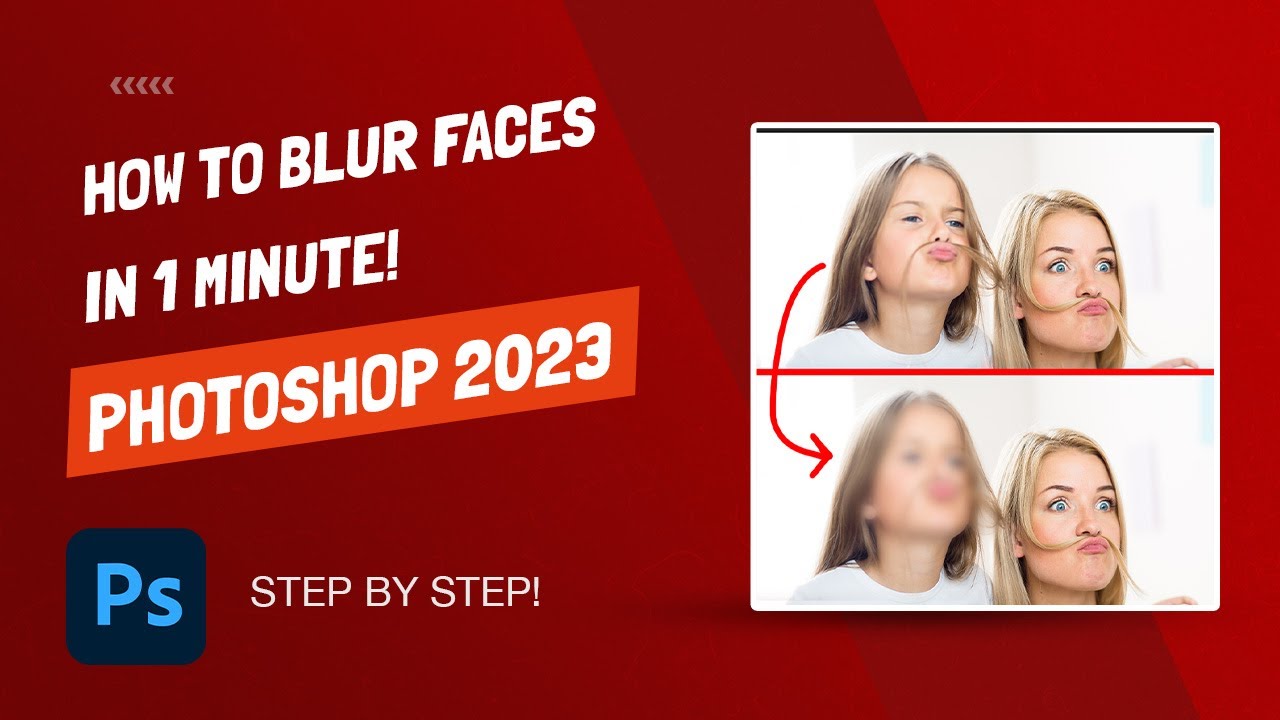
How to Blur Faces in Photoshop - 60 Seconds - Photoshop 2023
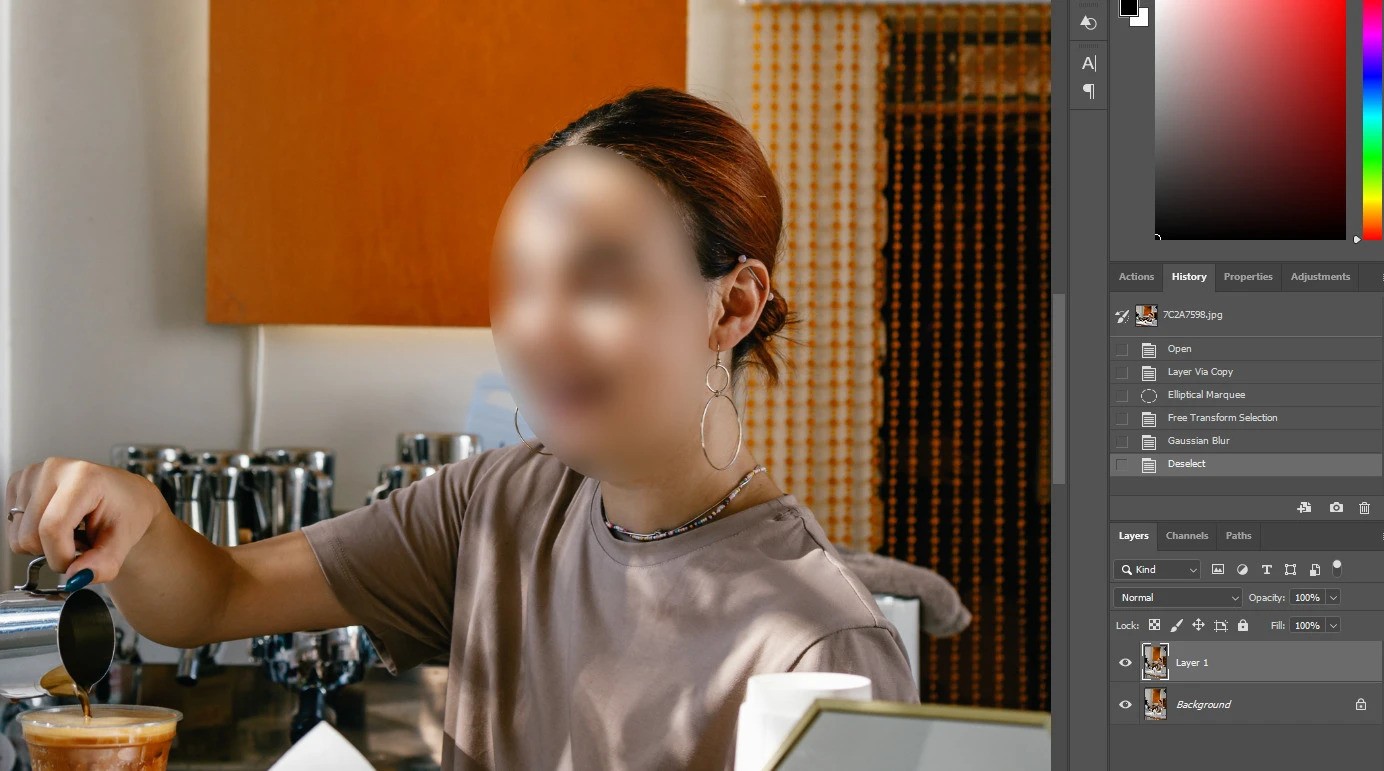
Open your photo in Photoshop and copy the layer. Use the lasso or quick selection tool to outline the face. Go to Filter > Blur > Gaussian Blur. Slide the radius until the blur looks right.
Add a layer mask to keep only the blurred face showing. If the blur is too heavy, lower the opacity. Fix any rough edges with the clone stamp or healing brush.
This method gives you control to fine-tune the result. Since you're working on a copy, your original stays safe. Save this edited version as a new file.
Blurring Faces In Dating Profile Photos
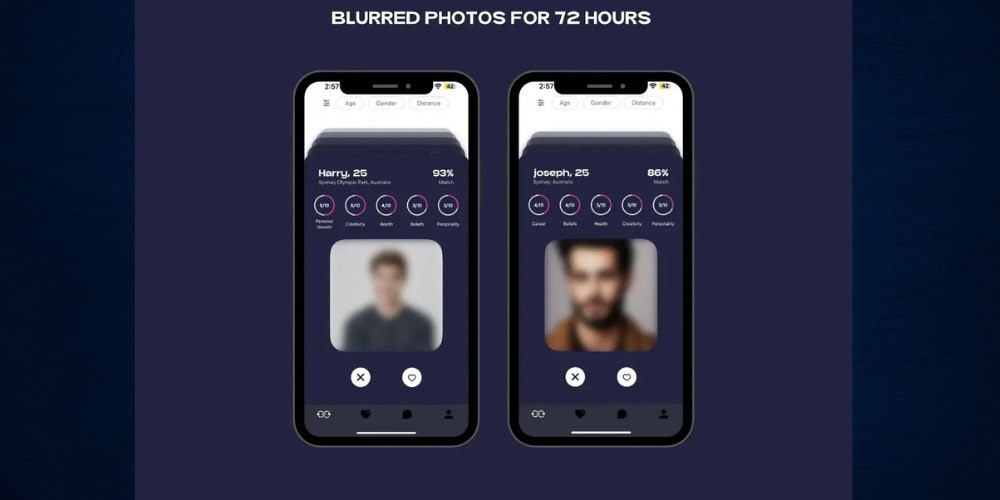
Always ask friends if you can share a group photo without blurring their faces. If they say no, blur them or leave that photo out. Blurring others makes you stand out clearly as the main person.
Don't blur faces in pictures with just one other woman. It can look like you're hiding an ex. Group photos show you're social, but don't overload your profile with them. Soft blurs let you hint at a wide circle of friends without sharing too much.
If your friends start getting messages from people seeing your profile, stop using those group shots. Blurring prevents strangers from contacting them. Use subtle blurs if your social life matters to potential matches.
Better Blurring Tools
Paid services blur faces automatically, which saves you time. Softer blurs don't stand out as much. Better tools catch almost every face.
Some apps offer playful filters beyond simple pixelation. Apps that blur automatically when you upload make things faster. Softer blurs often work better for the look you want.
Professional software gives you more style choices. Mix blurring with other edits for cleaner screenshots. Precise masks help smooth the edges perfectly.
Picking The Best Blurring Tool For Dating
Free apps work great for quick fixes on your phone. Online tools handle many pictures at once, good for multiple profiles. Programs like Photoshop are best if you edit pictures often.
Read what other users say to find reliable apps. Look for apps where the team answers questions quickly. Choose apps that delete your pictures after blurring.
Automatic blurring techniqueshelps a lot with group shots. Adjust how strong the blur is to fit your needs. Different mask shapes cover all kinds of faces.
Fixing Blurring Mistakes
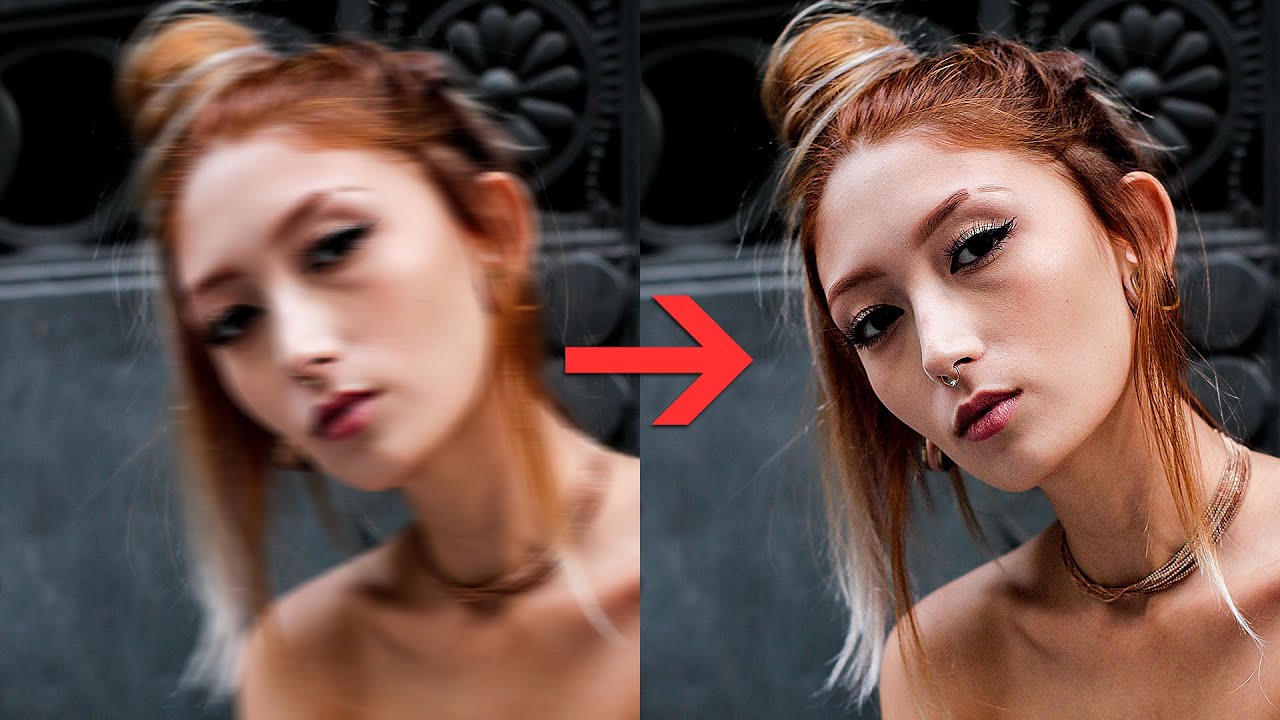
How to Fix Motion Blur in Photoshop - Sharpen Blurry Photos
If you blur too much, just erase the extra. Tweak the mask edges for cleaner lines. Try lowering the blur strength.
If the auto-tool misses a face, re-upload or add blur yourself. Manually adding blur gives you more control. Keep a few copies to see what works best.
Always test changes on a copy first. Use the undo button in your editor. Practice blurring on non-dating pictures to get the hang of it. No big deal if it takes a few tries.
FAQs About Blur Faces In Dating App Screenshots
Should I Blur Faces In Group Pics On My Dating Profile?
Blurring keeps people safe and avoids asking permission, but honestly, some folks think it looks weird. If you're worried, skip group shots or just use solo pics. It makes you stand out clearly.
How Do I Blur Faces Online Without Paying?
Try free tools like Watermarkly. Upload your pic, and it blurs faces automatically. You can tweak how strong the blur is, change the shape, or pick specific faces. These tools handle batches fast, just download when done.
What’s The Easiest Way To Blur Faces On An IPhone?
Open the photo in your Photos app, tap "Edit," then use the Markup tool. Draw a shape over the face and fill it with a solid color, it looks blurred. Apps like Touch Blur give more control if you want it. Always save the edited version separately so you don’t lose the original.
How Do I Blur Faces On Android For Dating Screenshots?
In Google Photos, open the pic, tap "Edit," then choose "Blur." Draw a circle over the face and slide the bar to control strength. Apps like Pixlr work great too, grab them free from the Play Store.
Why Bother Blurring Faces On Dating Apps?
It stops strangers from finding people in your photos online. Blurring shows you respect others’ privacy, especially in group shots. Plus, you won’t get weird messages about your friends, it keeps things smooth.
What If The Blur Tool Misses Someone’s Face?
Just add another blur spot manually. Resize the circle or square to cover the spot you missed. Double-check the whole photo before saving, easy to overlook one face in a group.
Final Thoughts
When you share dating app screenshots, blur faces to keep things private while still showing off profiles. You can use simple phone apps or websites depending on what you need.
Always ask before sharing someone's photo, pick a good blurring tool and double-check your edits. This simple step helps people feel safer when chatting online. It keeps the fun going without the worry.
Also Check Out: Best Free Video Editing Apps Without Watermark